Shopping Cart
No item in your cart!
RM0.00
View Cart


30 September 2011
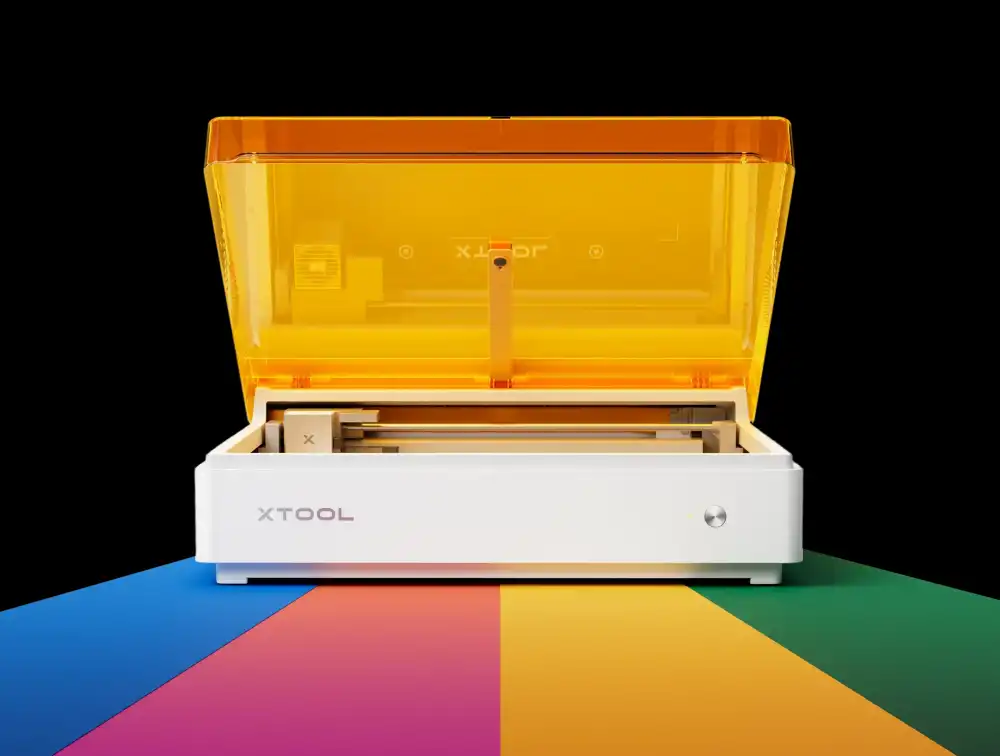
More watts isn't automatically better — it's a trade-off between speed, cutting depth, price, and how much material you're actually willing to feed the machine.
"Just get the highest wattage you can afford" is the most common — and most expensive — advice in laser engraving forums. It's not wrong exactly, but it skips the actual question: what are you making, out of what material, and how thick is it? A 5W laser and a 100W laser can both produce a beautiful engraving on a wood coaster. The difference only shows up the moment you try to cut through something.
Here's what each wattage tier can actually do, without the marketing rounding.
At a glance
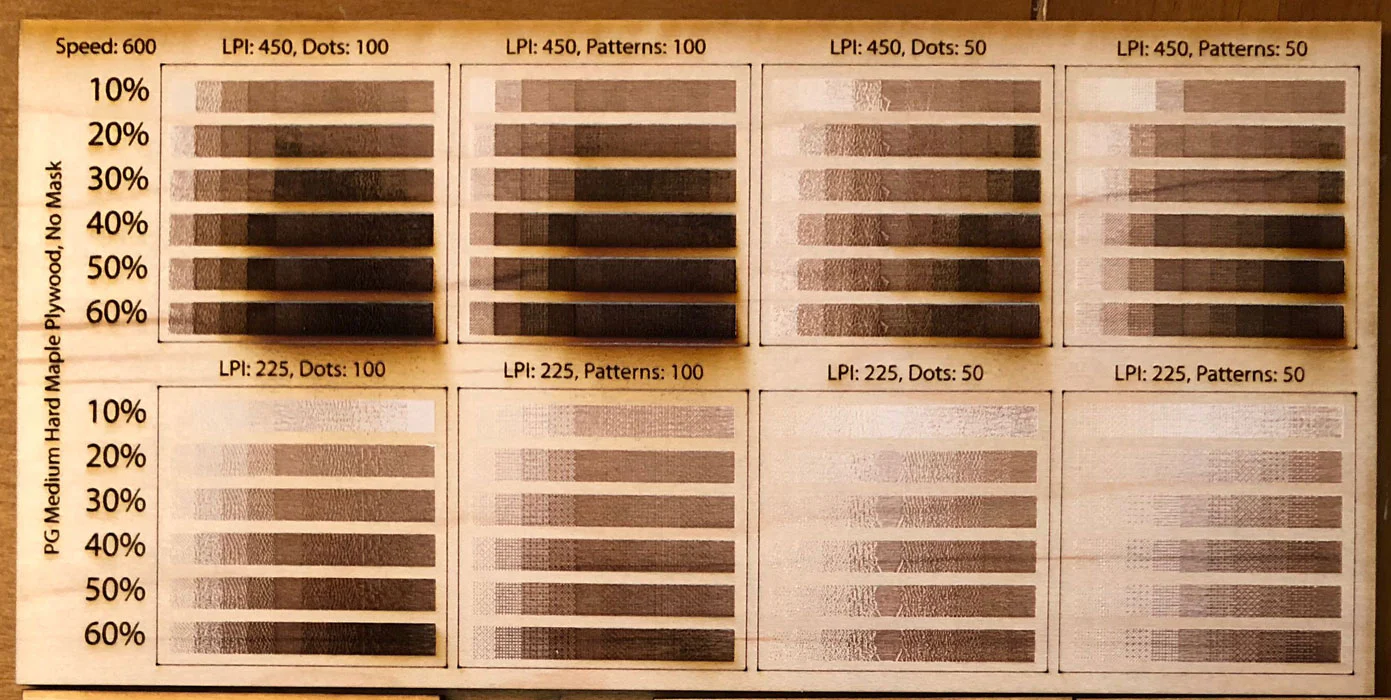
Watch for this: manufacturers don't always report wattage the same way. "Optical power" — the actual energy hitting the material — is what matters, not the number printed on the box. Two machines both labeled "40W" can cut noticeably differently depending on how that power is measured and delivered.
| Wattage tier | Typical tech | Single-pass capability | Typical price |
|---|---|---|---|
| 5W–10W | Diode | Engraving; light cutting (2–5mm) with multiple passes | RM1000–RM1210 |
| 15W–20W | Diode | 8–10mm wood, 5mm acrylic in one pass | RM1390–RM1990 |
| 40W–60W | CO2 | 10–15mm wood/acrylic, faster throughput | RM4500+ |
| 80W–130W+ | CO2 | 20mm+ wood/acrylic, production speed | RM7500+ |
| 20W–60W | Fiber | Deep, fast marking on metal (not cutting thickness) | RM5499+ |
Power affects more than just cutting depth. Here's how each tier stacks up across the factors that actually matter day to day (5 dots = excellent, 1 dot = poor fit).
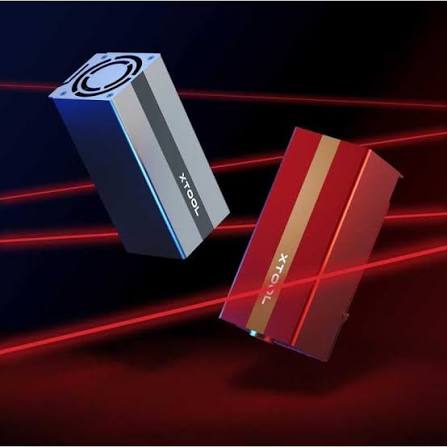
This is where most first-time hobbyists start. It's plenty of power for engraving detail into wood, leather, and paper, but cutting is slow and limited to thin stock, usually requiring several passes to get all the way through.
Good fit if
Skip if
This is where diode lasers start behaving like real cutting tools instead of engraving-only devices. Most makers who outgrow a 5W machine land here, since it single-pass cuts wood and acrylic thick enough for real projects.
Good fit if
Skip if
This is the most common range for small businesses producing engraved or cut goods at real volume. CO2 tubes at this power handle wood, acrylic, and leather with clean, fast, repeatable results — without the size and cost jump of production-grade machines.
Good fit if
Skip if
This tier is built for volume — thick material, fast throughput, and minimal passes. Unless you're regularly cutting 20mm+ stock or running a busy production floor, this is more machine (and more cost) than most projects call for.
Good fit if
Skip if
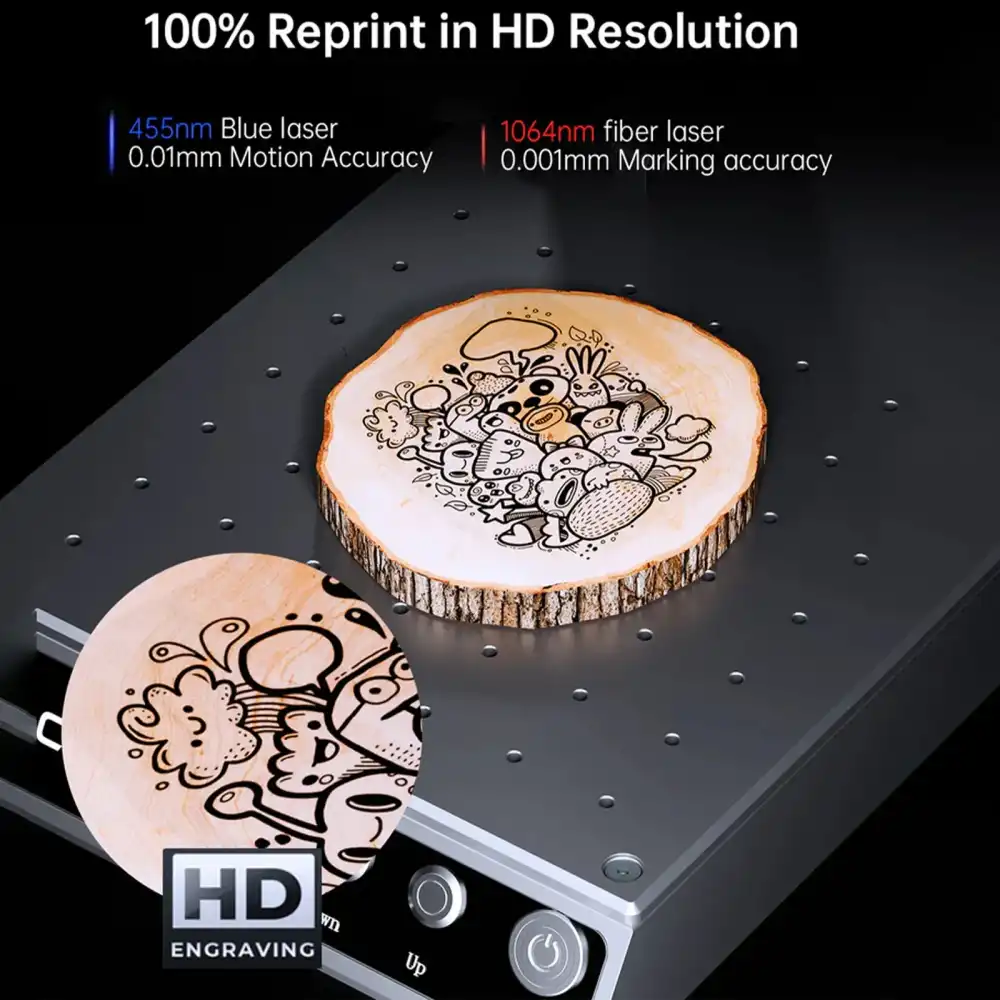
Fiber wattage plays by different rules. It's not about cutting thickness — it's about how fast and how deep the laser can mark or engrave metal. A 20W fiber laser marks fine, shallow detail well; 50–60W speeds up production and allows deeper engraving into hard metals.
Good fit if
Skip if
Rule of thumb: buy for the thickest material you'll cut regularly, not the thickest material you might cut once. Multiple passes on an underpowered machine cost you time; an overpowered machine mostly costs you money sitting idle.
27 March 2026
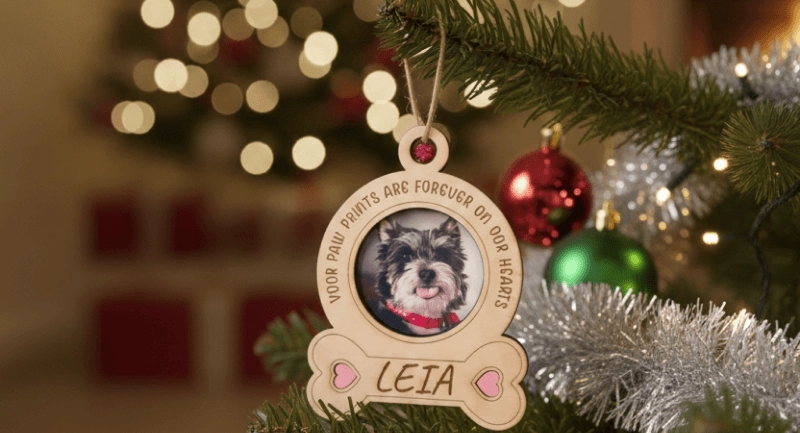
From stacked wood trees to engraved glass baubles and pet memorial keepsakes — ten holiday projects that go well beyond what you'll find at a shopping mall, plus the materials and settings each one actually needs.
Read More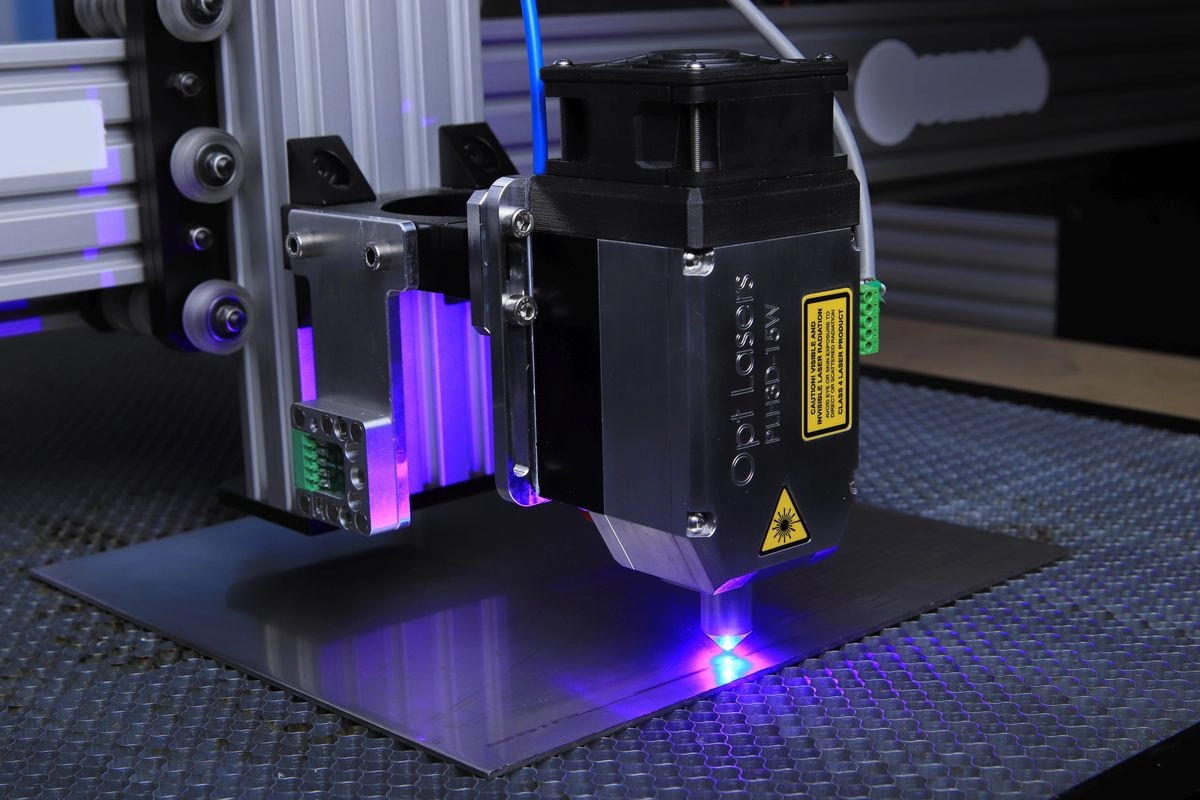
18 November 2021
Four laser types, four very different jobs. Here's how to pick the right one instead of the most expensive one.
Read More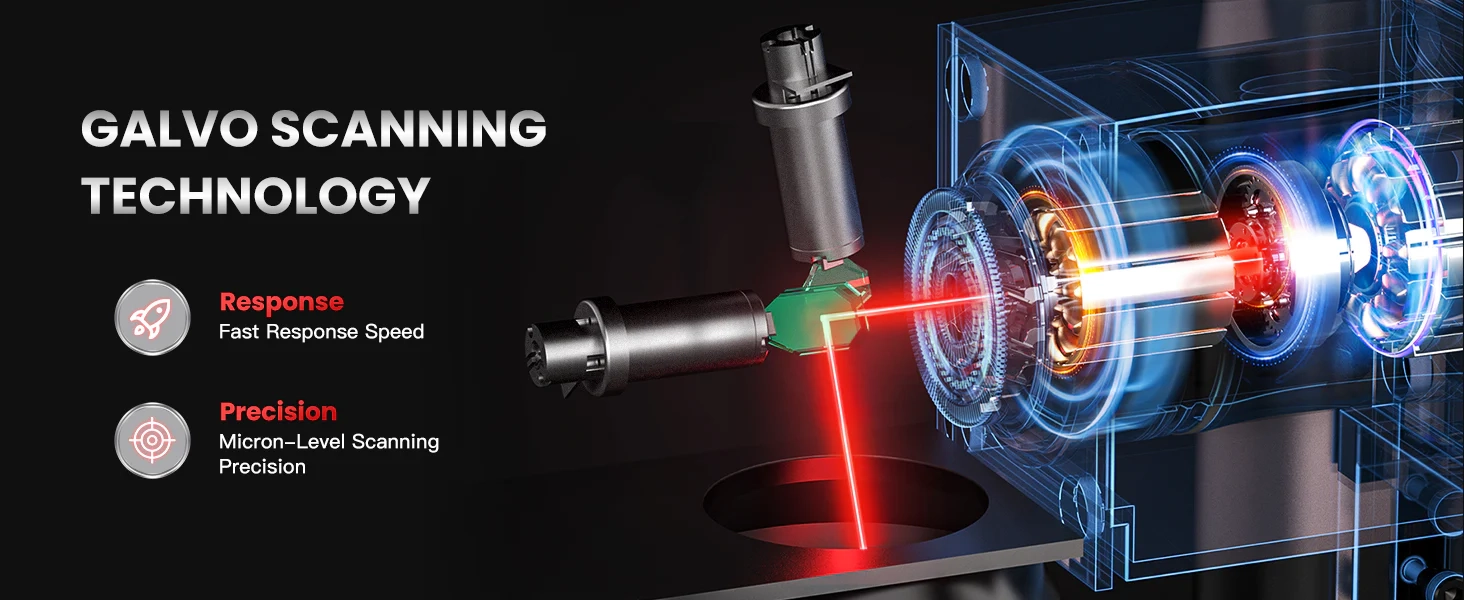
12 June 2009
More watts isn't automatically better — it's a trade-off between speed, cutting depth, price, and how much material you're actually willing to feed the machine.
Read More
08 October 2001
Most materials questions aren't about getting a clean result — they're about not filling your workshop with toxic smoke. Here's what's safe, what needs caution, and what should never touch your laser.
Read MoreTrusted Laser Engraving Services &
Machines in Malaysia
From choosing the right laser engraving machine to delivering customised engraving services, we support you every step of the way.
Enquire Now